

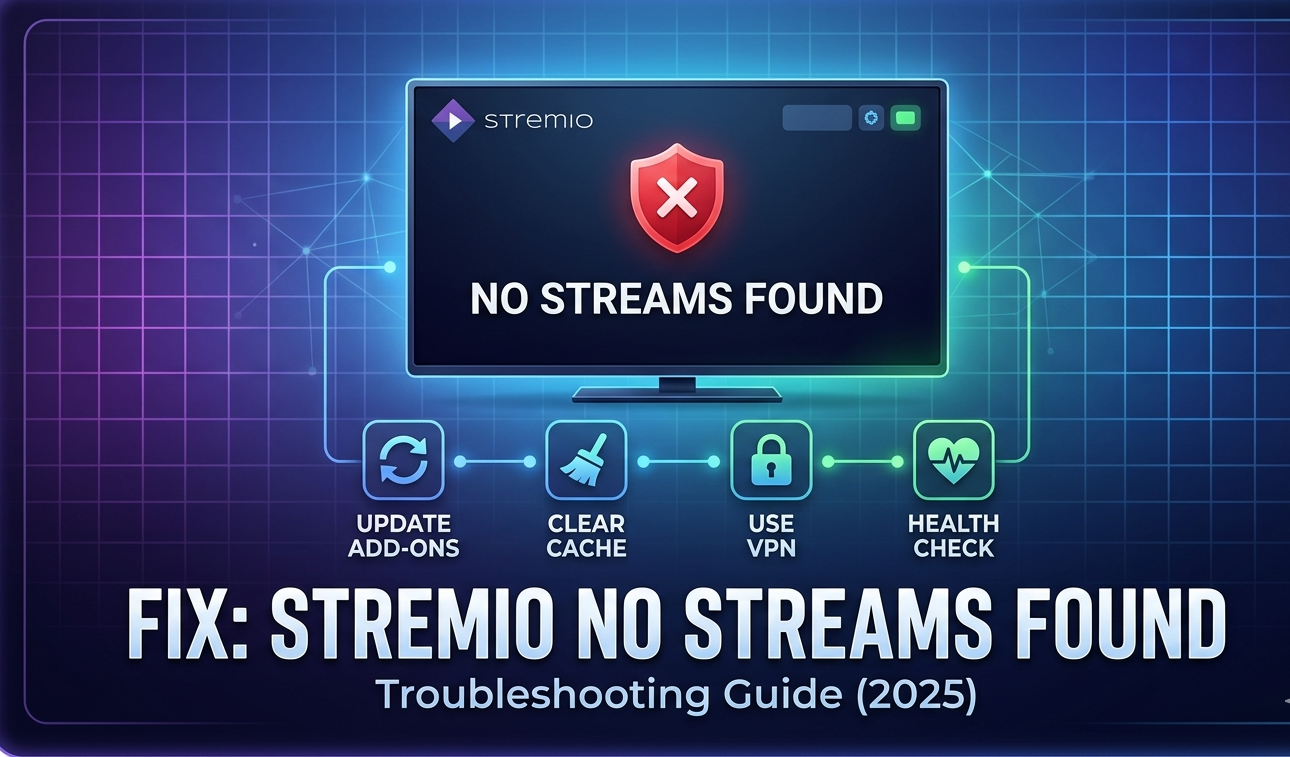
The “No streams were found” error on Stremio indicates that your installed add-ons are unable to locate playable content. While Stremio serves as a versatile media center, it relies entirely on add-ons to fetch streams from various online sources. Understanding why this happens is the first step toward a solution.
Common Causes of the Error
In the current streaming landscape, several factors contribute to this issue:
- Source Instability: Torrent trackers or source websites may be down due to technical glitches or legal crackdowns.
- API Changes: The APIs utilized by add-ons to communicate with servers may have changed or been blocked.
- ISP Throttling: Your Internet Service Provider (ISP) might be blocking access to specific streaming sources.
- Anti-Piracy Efforts: Increased legal actions against unofficial content sources have made many popular add-ons unstable.
“Stremio itself is a media center; the error arises when the bridge between the app and the content sources is broken.”
Step-by-Step Troubleshooting
To resolve the error, follow these professional troubleshooting steps:
1. Update and Refresh Add-ons
Ensure all your add-ons are running on their latest versions. Use Stremio’s built-in add-on manager to uninstall and then reinstall any add-on that is showing “No Streams” to force a fresh sync with its latest API.
Also Read: How to Fix a Redgifs Not Loading Issue: A Step-by-Step Guide
2. Clear Stremio Cache
Outdated or corrupted data stored in the cache can lead to performance issues. Clearing the cache allows the application to fetch fresh data and improves connectivity.
3. Use a VPN
If your ISP is throttling your connection or geo-restrictions are in place, using a VPN can bypass these blocks, allowing the add-ons to reach the necessary content servers.
4. Use the Health Check Feature
Utilize Stremio’s 2026 “Health Check” feature. This tool is designed to diagnose the status of your add-ons and identify which ones are currently non-functional.
Conclusion
If unofficial add-ons continue to fail due to takedowns or API changes, consider exploring official add-ons that integrate with legal streaming services. For a more reliable and sustainable experience, shifting toward legal streaming platforms is often the best long-term solution.