

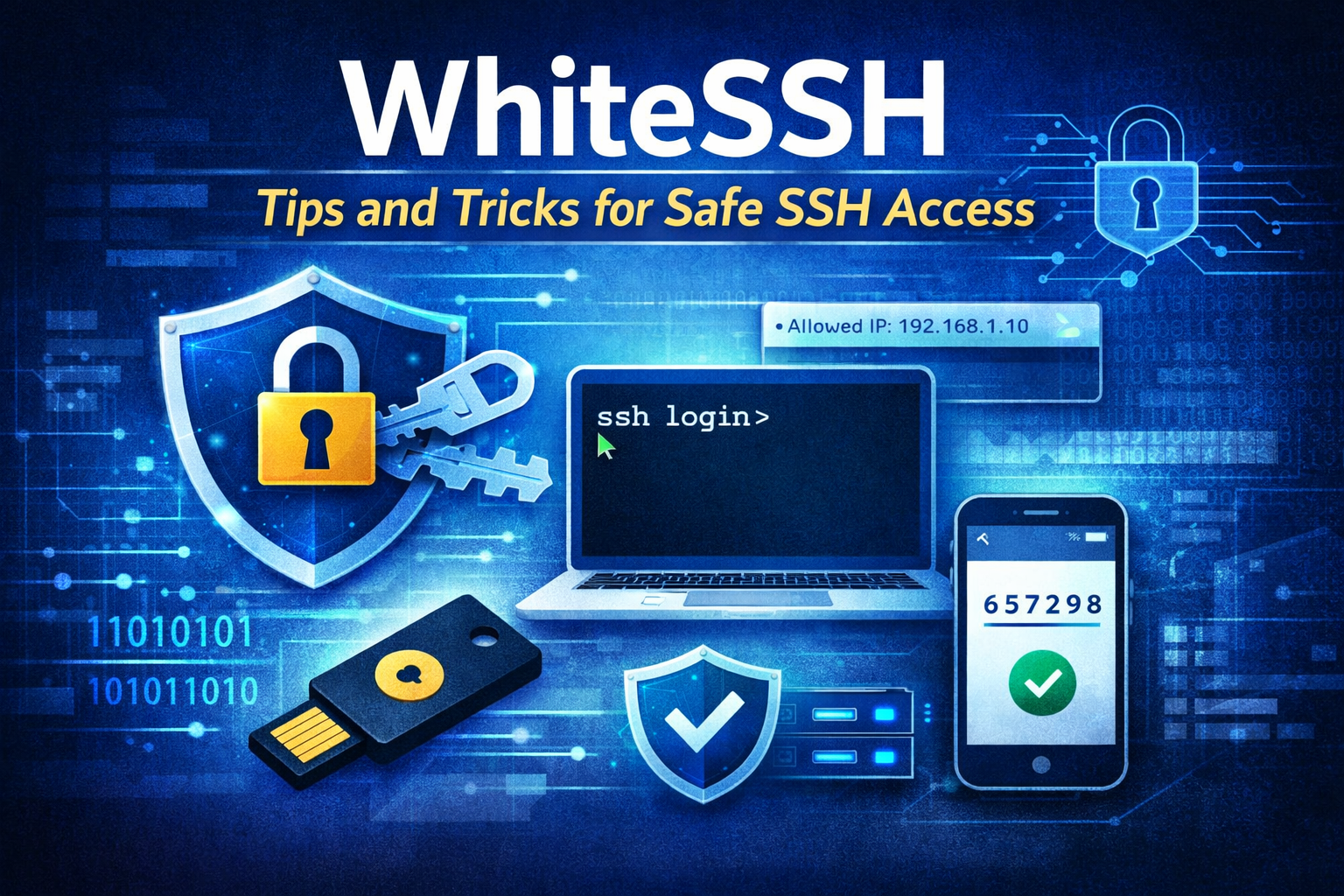
You searched for WhiteSSH. Maybe a friend mentioned it, maybe you saw it trending in a forum, or maybe you’ve been using it and want to know if you’re doing it right. Either way — you deserve a straight answer, not a generic security lecture.
This guide covers exactly what WhiteSSH is, how it actually works, what most users get wrong about it, and the specific steps you should take to make sure your connection is as secure as it can be.
What Is WhiteSSH?
WhiteSSH is an SSH-based tool and connection method that’s become widely used — particularly for tunneling internet traffic securely through SSH servers. SSH itself (Secure Shell) is a protocol that creates an encrypted channel between your device and a remote server. WhiteSSH builds on this foundation and makes it accessible for everyday users who need secure remote connections.
At its core, WhiteSSH works on a simple principle: your traffic travels through an encrypted SSH tunnel rather than your normal unprotected connection. This protects what you send and receive from being intercepted by third parties on the same network.
Used correctly, it’s a genuinely useful security tool. Used carelessly — with weak keys, no authentication controls, or an outdated configuration — it can become a vulnerability rather than a protection.
The Most Important Thing Most Users Skip — SSH Keys
If you’re using WhiteSSH with just a username and password, you’re missing the single most important security step.
Passwords can be guessed, brute-forced, or leaked. SSH keys cannot. An SSH key pair — a private key on your device and a public key on the server — creates a cryptographic handshake that’s exponentially harder to crack than any password a human can realistically remember.
How to generate a secure SSH key:
Open your terminal and run:
ssh-keygen -t ed25519 -C "youremail@example.com"This creates an Ed25519 key — currently the strongest and most recommended algorithm for SSH. If the system you’re connecting to doesn’t support Ed25519, use RSA with at least 4096 bits:
ssh-keygen -t rsa -b 4096 -C "youremail@example.com"Where to store it: Your private key stays on your device only. Never share it, never upload it, never email it. The public key (the .pub file) goes on the server.
Add a passphrase: When the generator asks for a passphrase, don’t skip it. This encrypts your private key file locally — so even if someone gets access to your device, they still can’t use the key without the passphrase.
IP Whitelisting — The Second Layer That Most People Ignore
WhiteSSH’s name partly comes from the concept of IP whitelisting — restricting which IP addresses are actually allowed to make an SSH connection in the first place.
Here’s why this matters: even with a strong SSH key, a persistent attacker can keep attempting connections and probing your server. IP whitelisting cuts this off at the door — if the connection isn’t coming from a pre-approved IP address, it simply doesn’t get through.
How to set it up using UFW (Ubuntu/Debian):
bash
sudo ufw allow from YOUR_IP_ADDRESS to any port 22
sudo ufw deny 22
sudo ufw enable
Replace YOUR_IP_ADDRESS with your actual IP. This allows only your IP to reach the SSH port.
For remote teams where IPs change: consider a VPN with a static egress IP. All team members connect through the VPN first, then SSH from the VPN’s fixed IP address. Only that IP needs to be whitelisted.
Using cloud firewall rules: If your server is hosted on a cloud provider (AWS, DigitalOcean, Linode, etc.), their control panel lets you add firewall rules directly — often easier and more reliable than UFW for this purpose.
The combination of strong SSH keys and IP whitelisting is what proper WhiteSSH usage actually looks like. Either one alone is good. Both together are significantly stronger. Understanding how unauthorized access works on a network level helps you appreciate why — our guide on how to check who is connected to your WiFi covers network visibility basics that apply here too.
Two-Factor Authentication on SSH — Yes, It’s Worth It
Adding 2FA on top of SSH keys sounds like overkill until you realize how many servers get compromised specifically because their keys got copied or stolen off the user’s device.
2FA means that even a stolen private key is useless without the second factor. For SSH, this is usually a time-based one-time password (TOTP) — the same rolling codes you see in Google Authenticator or Authy.
Setting up TOTP for SSH on Ubuntu/Debian:
bash
sudo apt install libpam-google-authenticatorRun google-authenticator and follow the prompts. Scan the QR code with your authenticator app. Then edit /etc/pam.d/sshd and add:
auth required pam_google_authenticator.soAnd in /etc/ssh/sshd_config, make sure:
ChallengeResponseAuthentication yesRestart SSH: sudo systemctl restart sshd
Now every login requires both your private key and the 6-digit TOTP code from your phone. A stolen key alone won’t get in.
Hardware tokens: If you’re protecting genuinely sensitive servers, YubiKey provides physical 2FA — a USB device you tap to authenticate. No phone required, no TOTP interception risk.
Disable Root Login — This One Is Non-Negotiable
The root account is the first thing every automated attack script tries. Allowing direct root login over SSH is like leaving your front door unlocked just because you also have an alarm system.
How to disable it:
Open the SSH configuration file:
bash
sudo nano /etc/ssh/sshd_configFind this line and change it:
PermitRootLogin noSave and restart:
bash
sudo systemctl restart sshdCreate a regular user with sudo access instead:
bash
adduser yourusername
usermod -aG sudo yourusername
All admin tasks go through sudo. Root login over SSH is disabled. This one change removes the most commonly targeted attack vector on any SSH-enabled server.
SSH Configuration Tweaks That Actually Make a Difference
Beyond the major steps above, your SSH config file has several settings worth adjusting. Open /etc/ssh/sshd_config and review these:
Change the default port:
Port 2222Port 22 is hammered by automated scanners constantly. Moving to a non-standard port reduces noise significantly — it won’t stop a determined attacker, but it eliminates the majority of automated probing scripts immediately.
Restrict which users can log in:
AllowUsers yourusernameOnly the explicitly listed usernames can log in. Everyone else is rejected regardless of credentials.
Disable password authentication entirely (if you’re using SSH keys):
PasswordAuthentication noOnce your SSH key is set up and tested, turn passwords off completely. There’s no reason to keep them enabled.
Set a login timeout:
LoginGraceTime 30
MaxAuthTries 3
Connections that don’t complete authentication within 30 seconds are dropped. Only 3 attempts allowed before disconnection.
Disable X11 forwarding if you don’t use it:
X11Forwarding noReduces attack surface by removing an unused feature.
After any changes to sshd_config, always restart: sudo systemctl restart sshd. And always test from a second terminal window before closing your current session — so you don’t lock yourself out.
Monitoring SSH Activity — Know What’s Happening on Your Server
Even with all of the above in place, monitoring is what separates a server that’s probably fine from one you actually know is fine.
Check login logs on Ubuntu/Debian:
bash
sudo cat /var/log/auth.log | grep sshdCheck for failed login attempts:
bash
sudo grep "Failed password" /var/log/auth.logIf you’re seeing hundreds of failed attempts from the same IP, that’s an active brute-force attempt. Fail2Ban handles this automatically — it monitors logs and temporarily bans IPs that exceed a threshold of failed logins.
Install Fail2Ban:
bash
sudo apt install fail2ban
sudo systemctl enable fail2ban
sudo systemctl start fail2ban
The default configuration protects SSH immediately after installation. Check its status with:
bash
sudo fail2ban-client status sshdThis shows you banned IPs and hit counts — a clear picture of who’s been trying to get in.
For a broader view of the security landscape your server is operating in, our overview of top cybersecurity threats in 2026 covers the attack patterns most commonly targeting servers and personal devices right now.
Bastion Hosts — The Right Setup for Multiple Servers
If you manage more than one server, you shouldn’t be exposing all of them directly to the internet over SSH. A bastion host (also called a jump server) solves this cleanly.
The setup works like this: one hardened server (the bastion) is exposed to the internet on the SSH port. All other servers are only reachable from within the private network. To reach any server, you SSH into the bastion first, then jump from there.
How to SSH through a bastion host:
bash
ssh -J user@bastion-ip user@private-server-ipThe -J flag tells SSH to jump through the bastion. Your terminal connects to the private server in one command, but the traffic routes through the bastion.
What makes this more secure:
- Only one server faces the internet — the bastion
- The bastion has maximum hardening — all the steps above applied strictly
- Private servers have no public IP exposure
- All activity routes through one point, making auditing straightforward
This is standard practice for any organization with more than a handful of servers. For home users with a single server, it’s less relevant — but understanding the architecture helps when you eventually scale.
Common WhiteSSH Mistakes — And How to Avoid Them
Using the same key pair on every server: If one server is compromised and the attacker gets your public key, having the same key everywhere makes all your servers vulnerable. Use separate key pairs per server or per use case.
Never rotating keys: SSH keys don’t expire automatically. Set a personal policy — every 6 to 12 months, generate new keys and update them on your servers.
Forgetting to check authorized_keys: If multiple people have had access to a server, check /home/yourusername/.ssh/authorized_keys to see every public key that’s authorized. Remove any that no longer belong to active, trusted users.
Leaving unused ports open: If you changed SSH from port 22 to 2222, make sure to block 22 in your firewall. Having both open defeats the purpose.
Not testing after configuration changes: Always keep an active SSH session open while testing config changes from a second window. A mistake in sshd_config will lock you out of a remote server with no way back in.
WhiteSSH Security Checklist — Quick Reference
Before you consider your SSH setup secure, verify each of these:
- ✅ SSH key authentication enabled (Ed25519 or RSA 4096+)
- ✅ Password authentication disabled
- ✅ Root login disabled
- ✅ IP whitelisting active on firewall
- ✅ 2FA configured (TOTP or hardware token)
- ✅ Default port 22 changed
- ✅ AllowUsers set to specific usernames only
- ✅ Fail2Ban installed and running
- ✅ Auth logs checked for unusual activity
- ✅ authorized_keys file reviewed and clean
If every item on this list is checked, your WhiteSSH setup is significantly more hardened than the majority of servers on the internet.
Frequently Asked Questions
What is WhiteSSH used for?
WhiteSSH refers to a secure approach to SSH access that emphasizes whitelisting, strong authentication, and controlled server access. It’s used by developers, system administrators, and privacy-conscious users who need encrypted remote connections.
Is WhiteSSH safe to use?
It depends entirely on how it’s configured. SSH itself is a secure protocol — but weak configurations, reused keys, and no IP restrictions can make any SSH setup vulnerable. Following the practices in this guide makes it considerably safer.
Do I need SSH keys or is a password enough?
Keys are strongly recommended over passwords. Passwords can be brute-forced or leaked. SSH keys use cryptographic algorithms that are far harder to compromise.
Can I use WhiteSSH on mobile?
Yes — several mobile SSH clients support key-based authentication and can be configured with the same security practices. The server-side settings remain the same regardless of what client you use.
What’s the difference between disabling root login and having a strong root password?
A strong root password still leaves the account exposed to brute-force attacks. Disabling root login entirely removes the target — there’s no root account to attack over SSH, so no amount of guessing will work.
Final Thought
WhiteSSH isn’t complicated — but most people only apply half the security practices and assume they’re covered. SSH keys without IP whitelisting. IP whitelisting without disabling root. Strong configuration without monitoring.
The full picture is what actually protects you. Keys, whitelisting, 2FA, a hardened config file, and Fail2Ban running in the background — these aren’t steps you do once and forget. They’re a setup you verify periodically and maintain over time.